Sales & Customer Care
10 Customer Follow-Up Message Templates When They Stop Replying
10 customer follow-up message templates for online shops and businesses to reconnect with silent leads naturally without sounding pushy or automated.
Terra11 Studio · Updated September 5, 2026
01
Section 01. When Customers Stop Replying
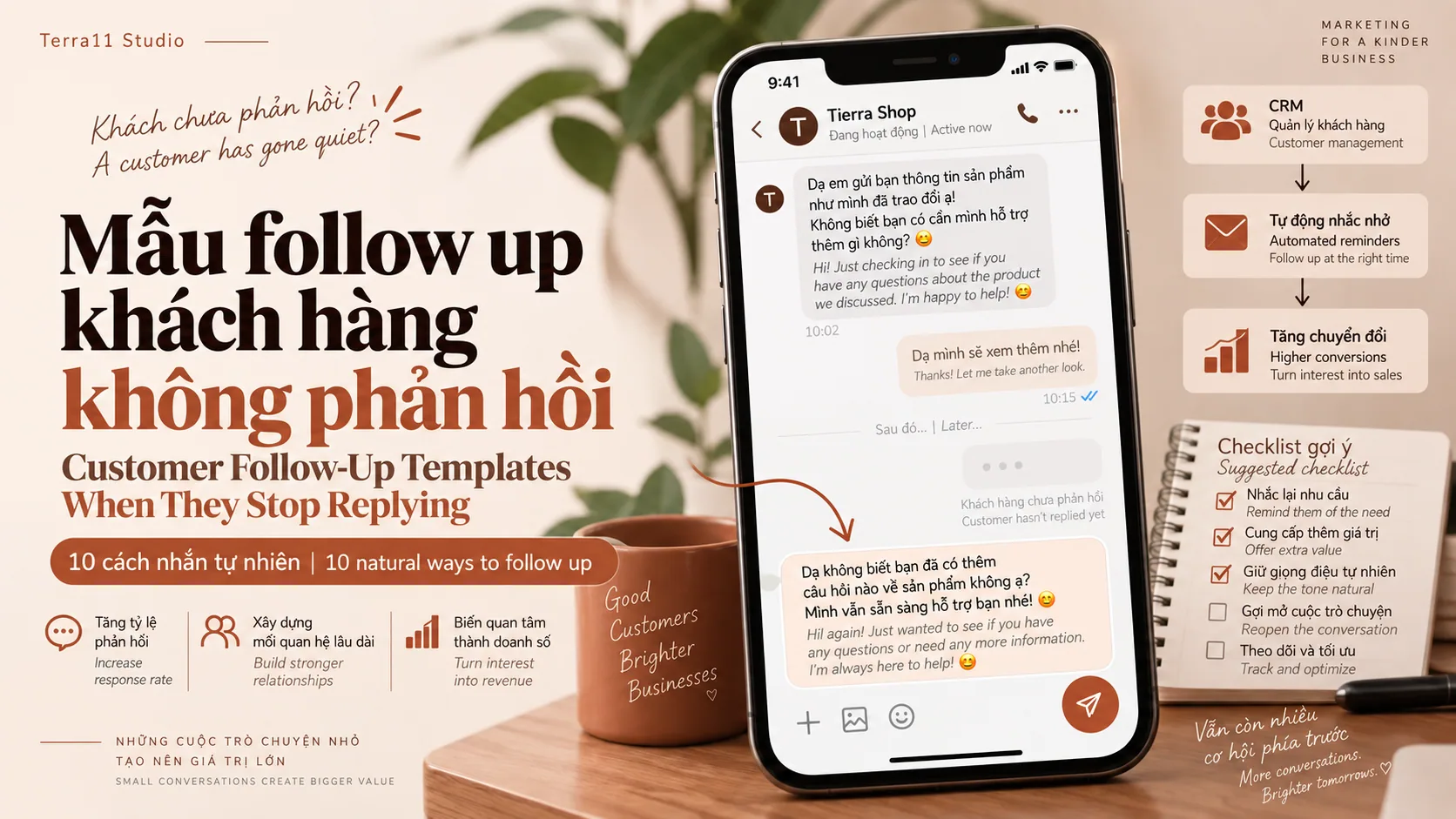
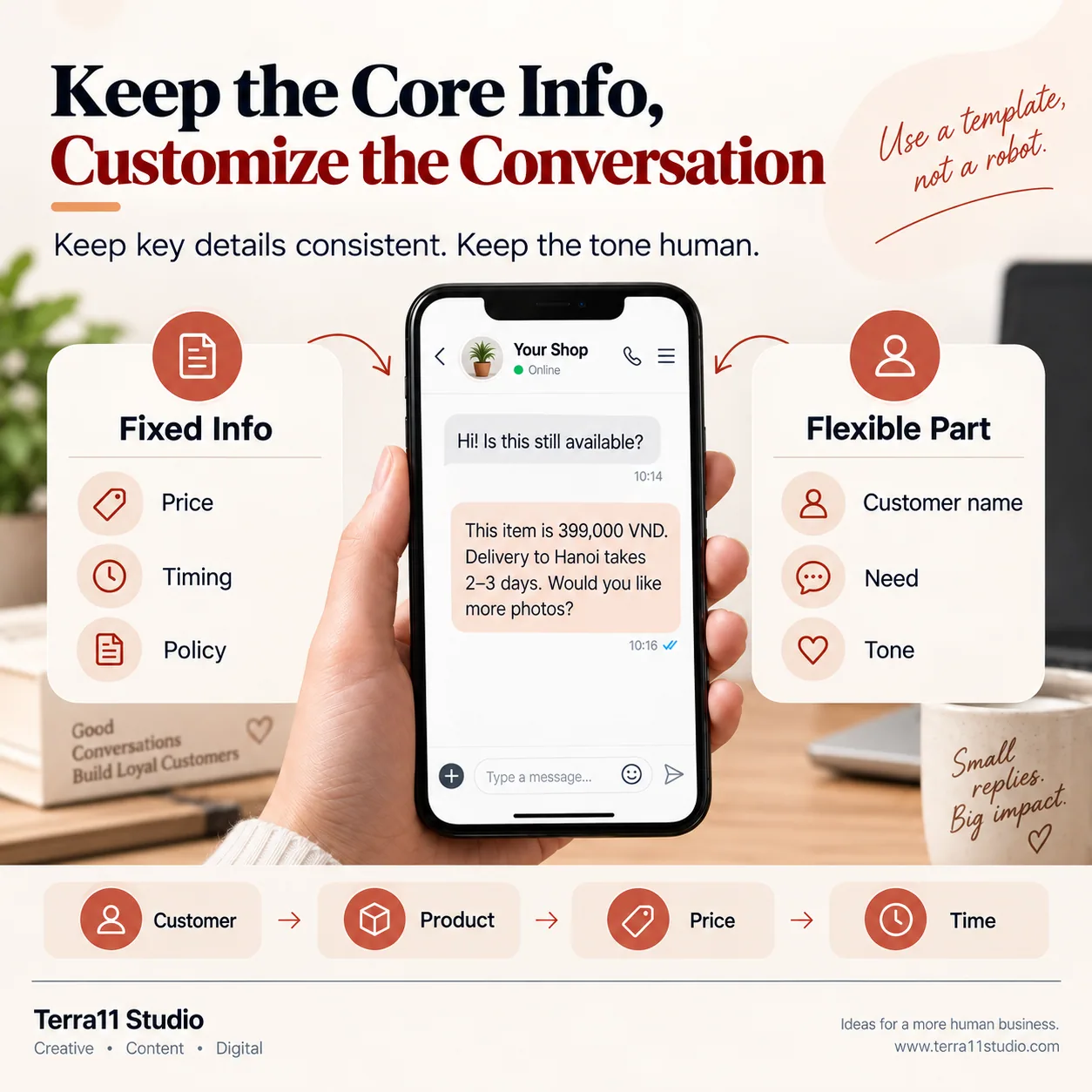
A customer asks for a price, receives a quotation or gets product information, then suddenly stops replying. That does not always mean they have rejected the offer. They may be busy, comparing options or simply not ready to decide. A good customer follow-up message should not simply ask, "Have you decided yet?" A better approach is: Context + new information + an easy question. For example: "Hi [Customer Name], I wanted to follow up on the [Product] you asked about. We still have it available in [Color/Size]. Would you like me to send you a few real product photos?"
02
Section 02. 10 Customer Follow Up Message Templates
1. After a price inquiry "Hi [Name], I wanted to follow up on the [Product] you asked about. Is there any additional information I can help you with?" 2. After sending a quotation "Hi [Name], have you had a chance to review the quotation? If anything needs clarification or adjustment, I would be happy to help." 3. When the customer is comparing options "If you are still comparing the options, I can quickly explain the main differences based on what you need." 4. Add new information "One detail I did not mention earlier about [Product] is [New Information]. I wanted to send it over so you have everything you need before deciding." 5. New promotion "The product you were interested in currently has [Offer] available until [Date]. I wanted to let you know in case you are still considering it." 6. Limited availability "The [Color/Size] you asked about is currently running low. If you are still interested, I can check the latest availability for you." Only use this when stock is genuinely limited. 7. Customer needs more time "No rush at all. If you need more photos, information or help comparing options, feel free to message me anytime." 8. Follow up after a few days "Hi [Name], I wanted to check in regarding [Product/Service] we discussed. Are you still considering it, or have you already found another option?" 9. Previous customer "Hi [Name], I hope everything went well with your previous [Product/Service]. If you need anything else or want to explore another option, I would be happy to help." 10. Final follow-up "I will leave the information here so I do not keep bothering you. If you need help with [Product/Service] later, feel free to message us anytime."
03
Section 03. How to Follow Up Without Being Annoying
Avoid sending the same message repeatedly, such as "Any update?" or "Have you decided?" Each follow-up should ideally give the customer a new reason to respond. You can:
* Share a new product photo. * Clarify an important detail. * Compare two options. * Update availability or pricing. * Suggest a more suitable solution. The message should also reference the specific product or conversation instead of sounding like a generic automated reminder.
04
Section 04. When Should You Stop Following Up
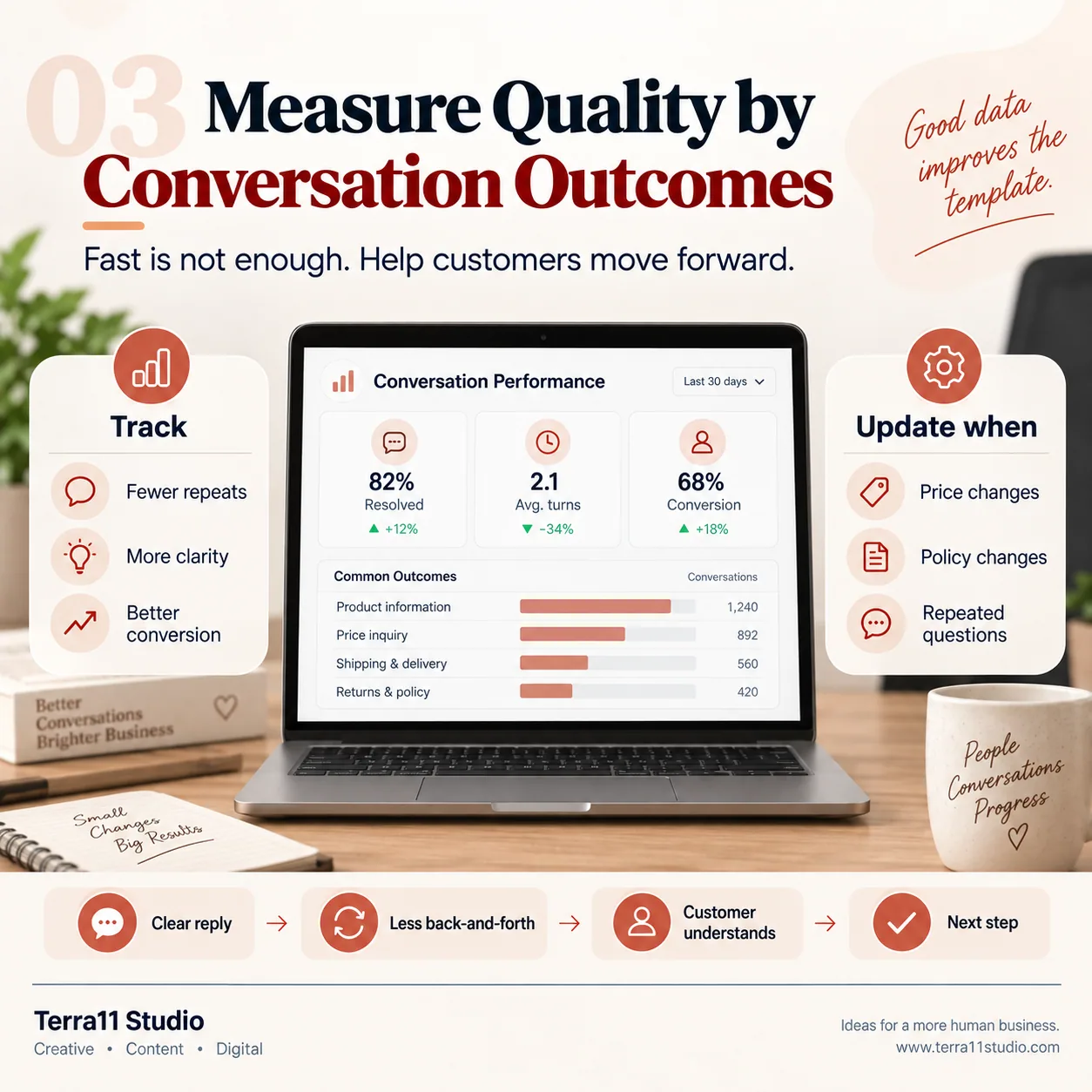
Not every customer should be followed up indefinitely. If several messages receive no response, close the conversation politely and leave the door open. For example: "I will leave the information here so I do not keep bothering you. Whenever you need help with [Product/Service], feel free to contact us." The goal of follow-up is to help customers move forward, not pressure them into responding.
05
Section 05. From Manual Follow Up to a Customer Management System
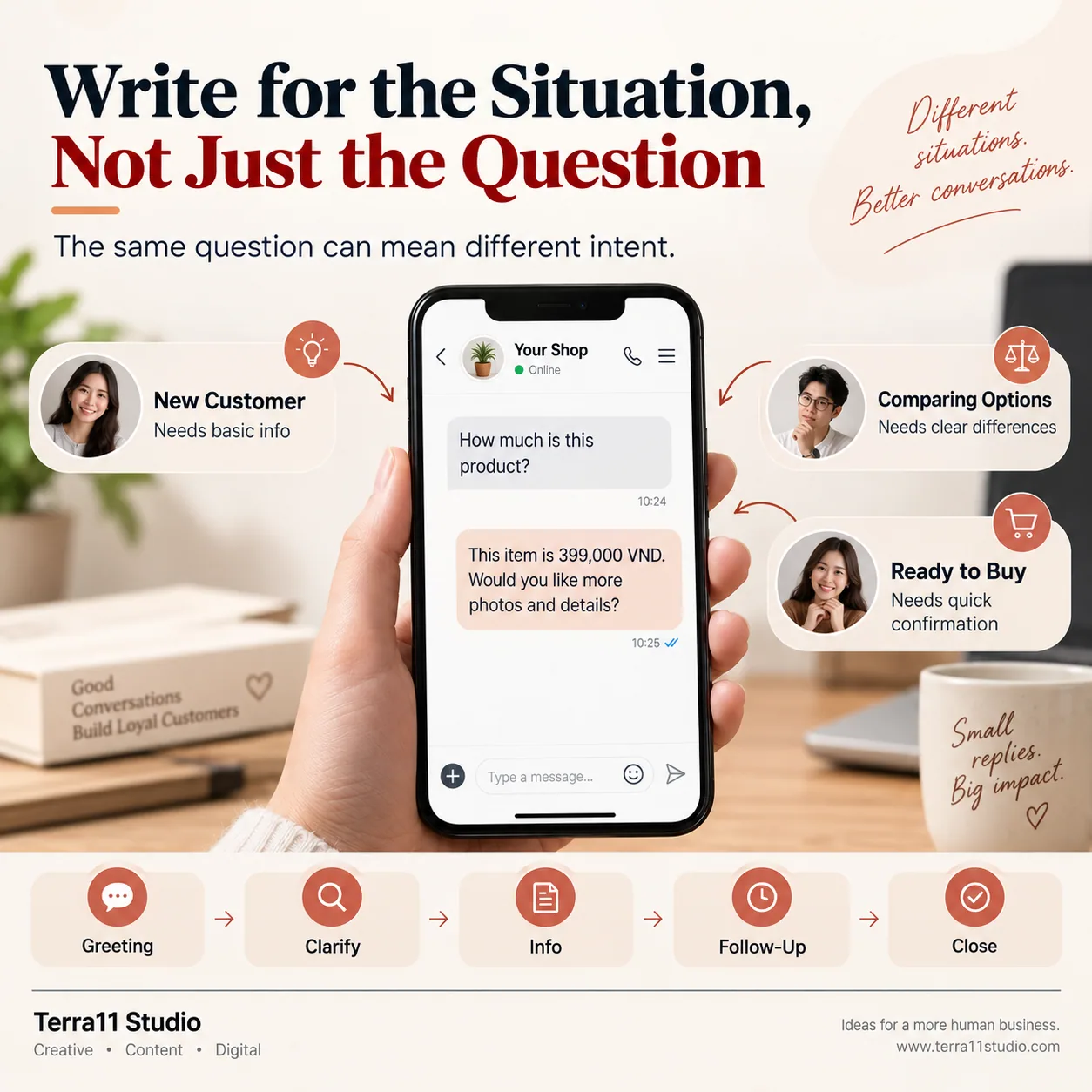
When a business only receives a few inquiries each day, staff can usually remember who needs a follow up. As message volume grows, this becomes more difficult. A simple customer journey can include inbox management, lead classification, consultation, follow up, CRM and customer care. Terra11 Studio helps businesses build Inbox, CRM, Workflow and Automation systems that reduce repetitive work and help teams avoid losing potential customers.
06
Frequently Asked Questions
What is a customer follow up message? A customer follow up message is sent after a previous conversation to continue the discussion, provide additional information or check whether the customer is still interested. Should you follow up when a customer stops replying? Yes. However, each follow up should have a clear reason and you should avoid sending the same message repeatedly. How many times should you follow up with a customer? There is no fixed number that works for every situation. It depends on the customer, the product and the buying cycle. If the customer continues to ignore several messages, it is better to end the conversation politely and leave the door open. How can you follow up without sounding pushy? Keep the message short, mention the previous conversation and provide something useful such as a new photo, updated information, a comparison or a better option. Should follow up messages be automated? Simple reminders and basic follow ups can be automated. More complex situations, complaints or high value customers should usually be handled by a person.